Windows shows one warning first, because FreeDesktop is not signed with a paid certificate yet. This is how to get past it.
Downloads
FreeDesktopSetup.exe719 KB · Done
Open file
Open FreeDesktopSetup.exe from your browser's download list or your Downloads folder.
✕
Windows protected your PC
Microsoft Defender SmartScreen prevented an unrecognized app from starting. Running this app might put your PC at risk.
More info
Don't run
Windows hides the start button at first. Click More info, the underlined words.
✕
Windows protected your PC
Microsoft Defender SmartScreen prevented an unrecognized app from starting. Running this app might put your PC at risk.
App:
FreeDesktopSetup.exe
Publisher:
Unknown publisher
Run anywayDon't run
Check that the app says FreeDesktopSetup.exe, then click Run anyway. Windows asks this once per download.
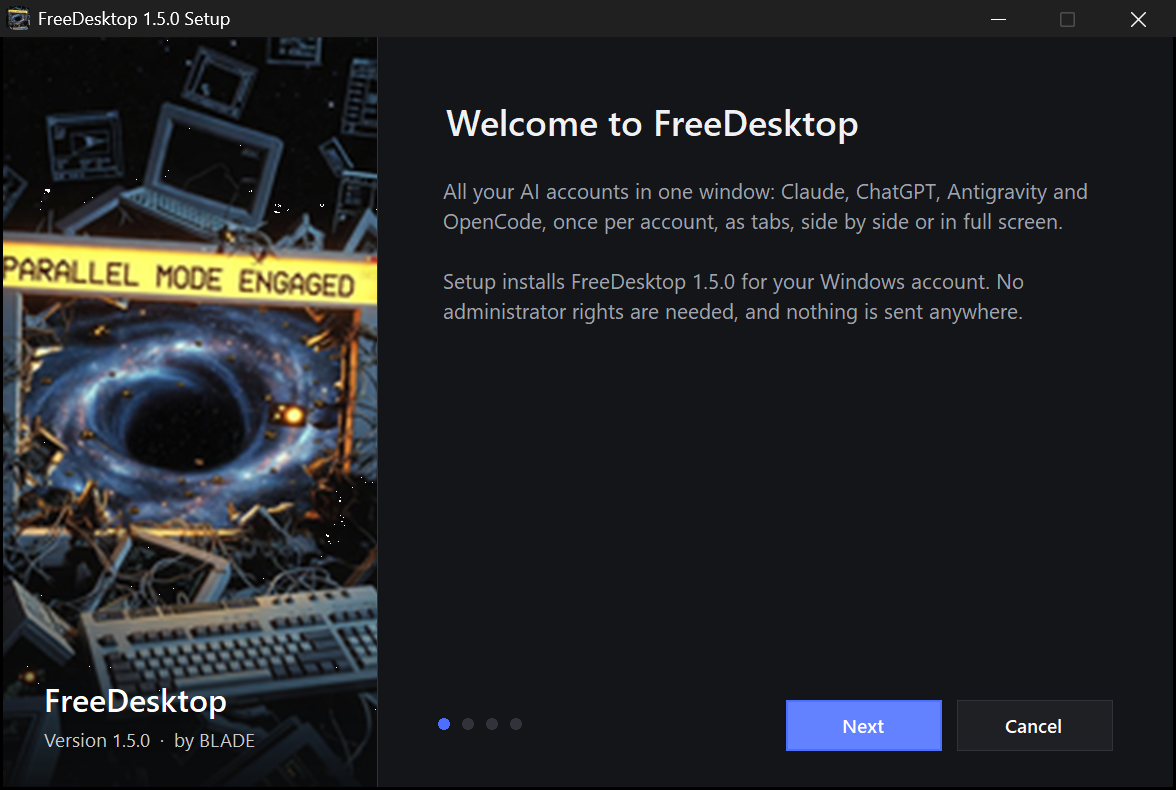
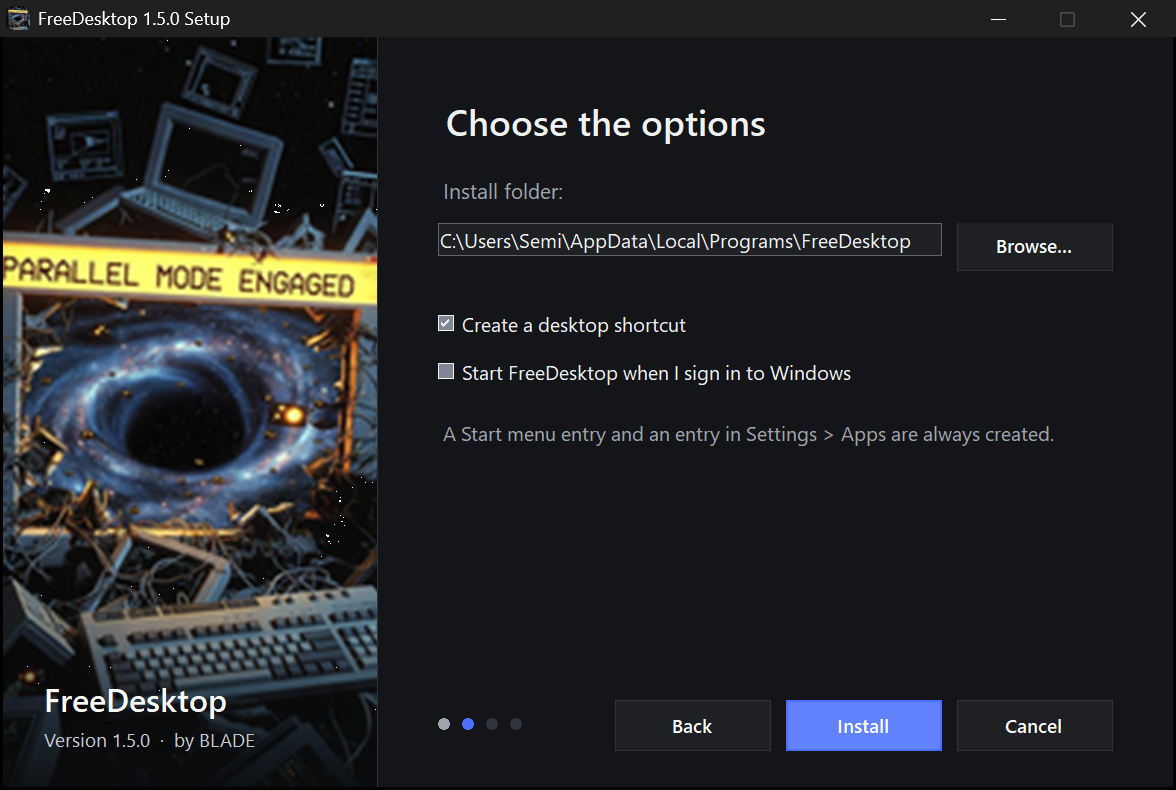
Click Next, choose your options, click Install. FreeDesktop starts right away and is in your Start menu from now on.
Before you click “Run anyway”
What the warning means, and what FreeDesktop does
Why Windows warns
SmartScreen warns about every new program that is not signed with a paid code-signing certificate, whatever the program does. A signature tells you who published a file; it is not a security check of what the program does. FreeDesktop is not signed yet, so its publisher shows as unknown.
You can still check the file: its SHA-256 checksum is listed below, and Microsoft Defender scans it like any other download.
What the setup does
Installs into your user folder, %LOCALAPPDATA%\Programs\FreeDesktop
Adds a Start menu entry, and a desktop shortcut if you want one
Adds itself to Settings > Apps, with a complete uninstaller
Asks before starting with Windows (off by default)
What it never does
No administrator rights, no system service, no driver
No account, no telemetry, no ads
No changes to Claude, ChatGPT, Antigravity or OpenCode
No network use, except the optional app updates through winget and the Extensions store when you open it
All files
Version 1.6.1
WindowsRecommended
Setup
Installs FreeDesktop with Start menu entry and uninstaller.